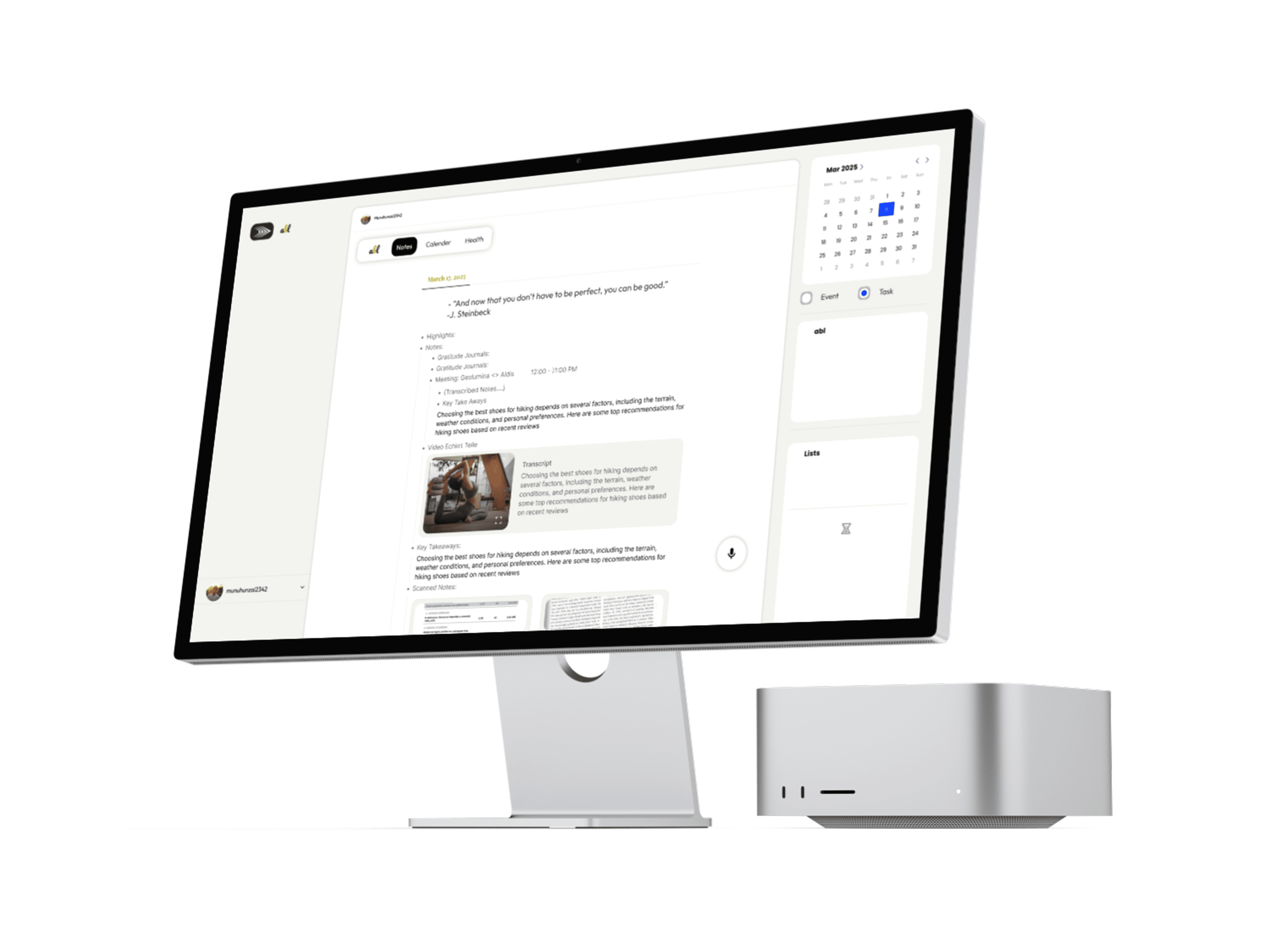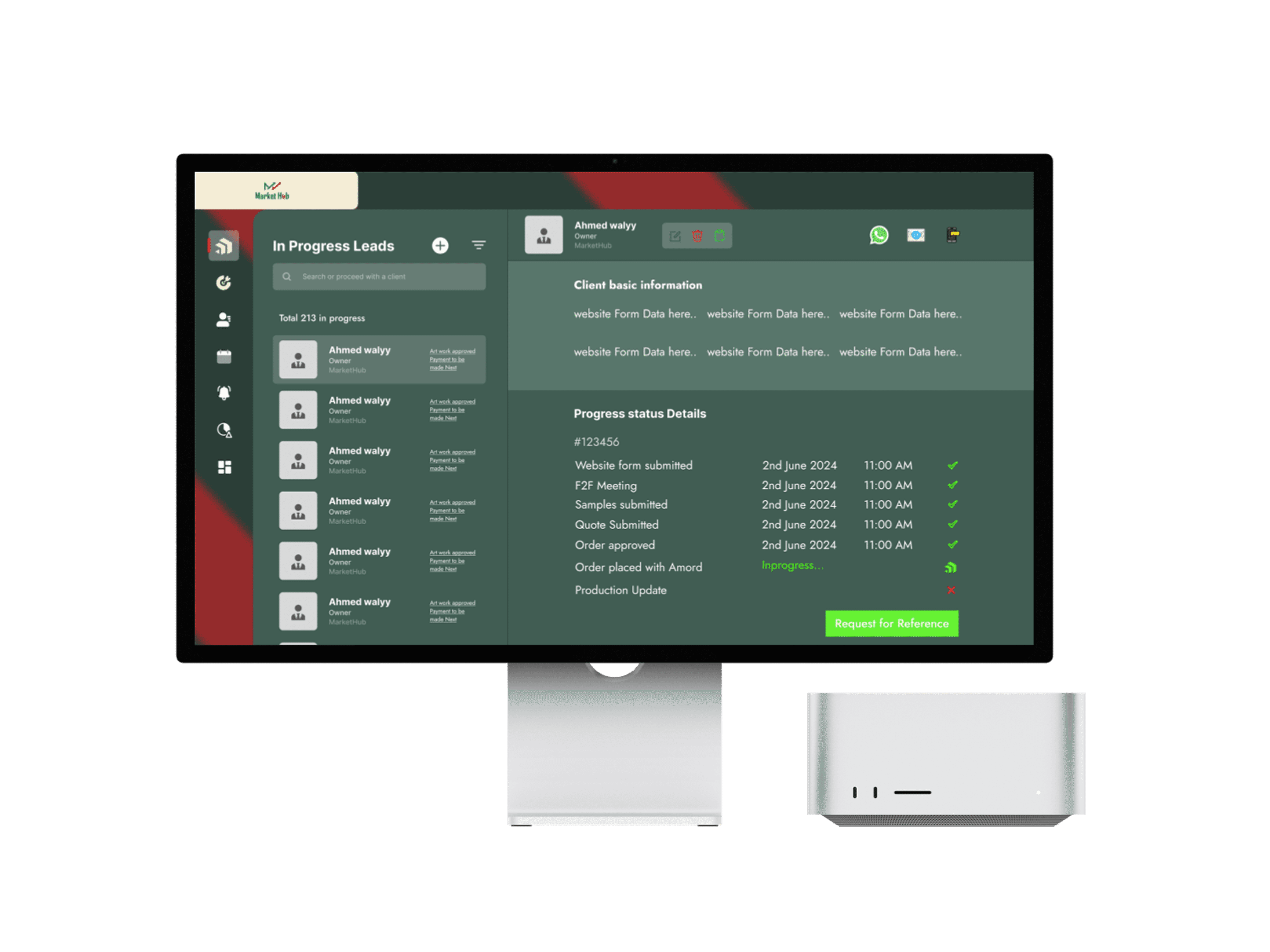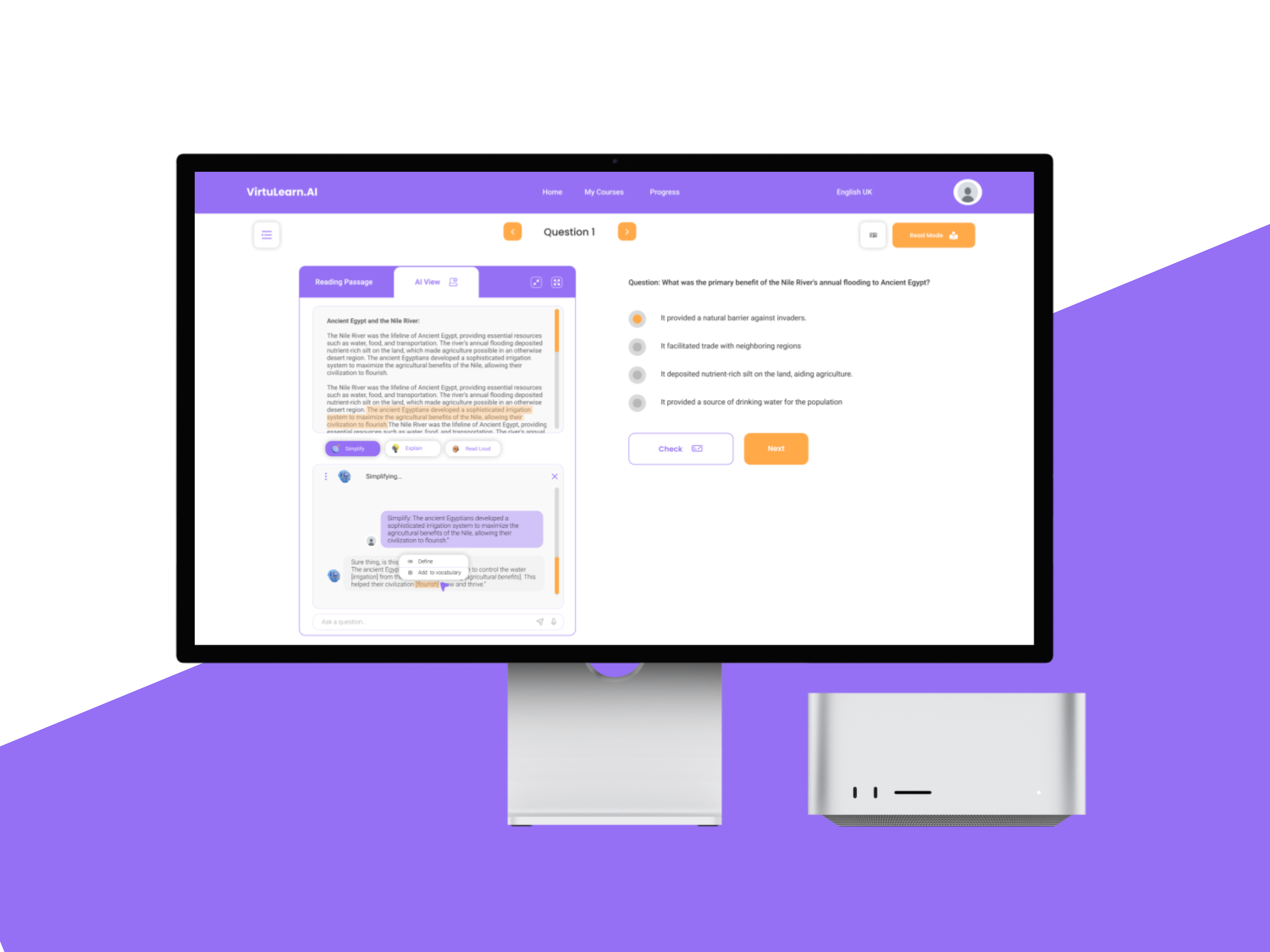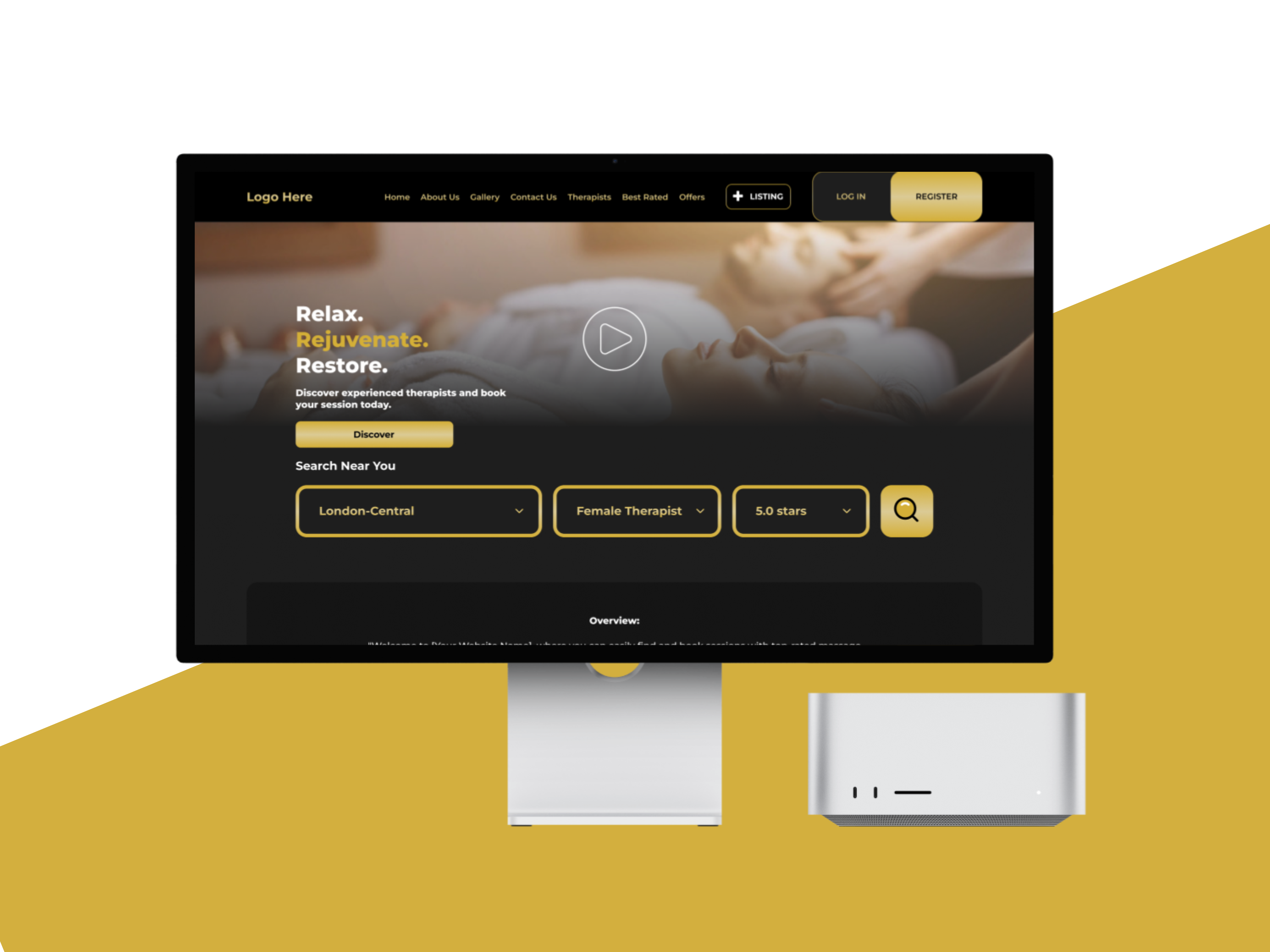
Project Description: This project involved the complete design of ABL, an intelligent productivity assistant that blends task management, personal well-being, and AI-driven insights. The objective was to create a simple yet futuristic interface where users can plan their day, manage to-dos, take AI-assisted notes, and keep track of their health metrics — all within one cohesive environment. The design language was centered around clarity, calmness, and focus — with a minimal aesthetic that promotes mindfulness and efficiency. The result was a smooth and modern platform that helps users stay organized, balanced, and in control of their routines through intelligent automation.
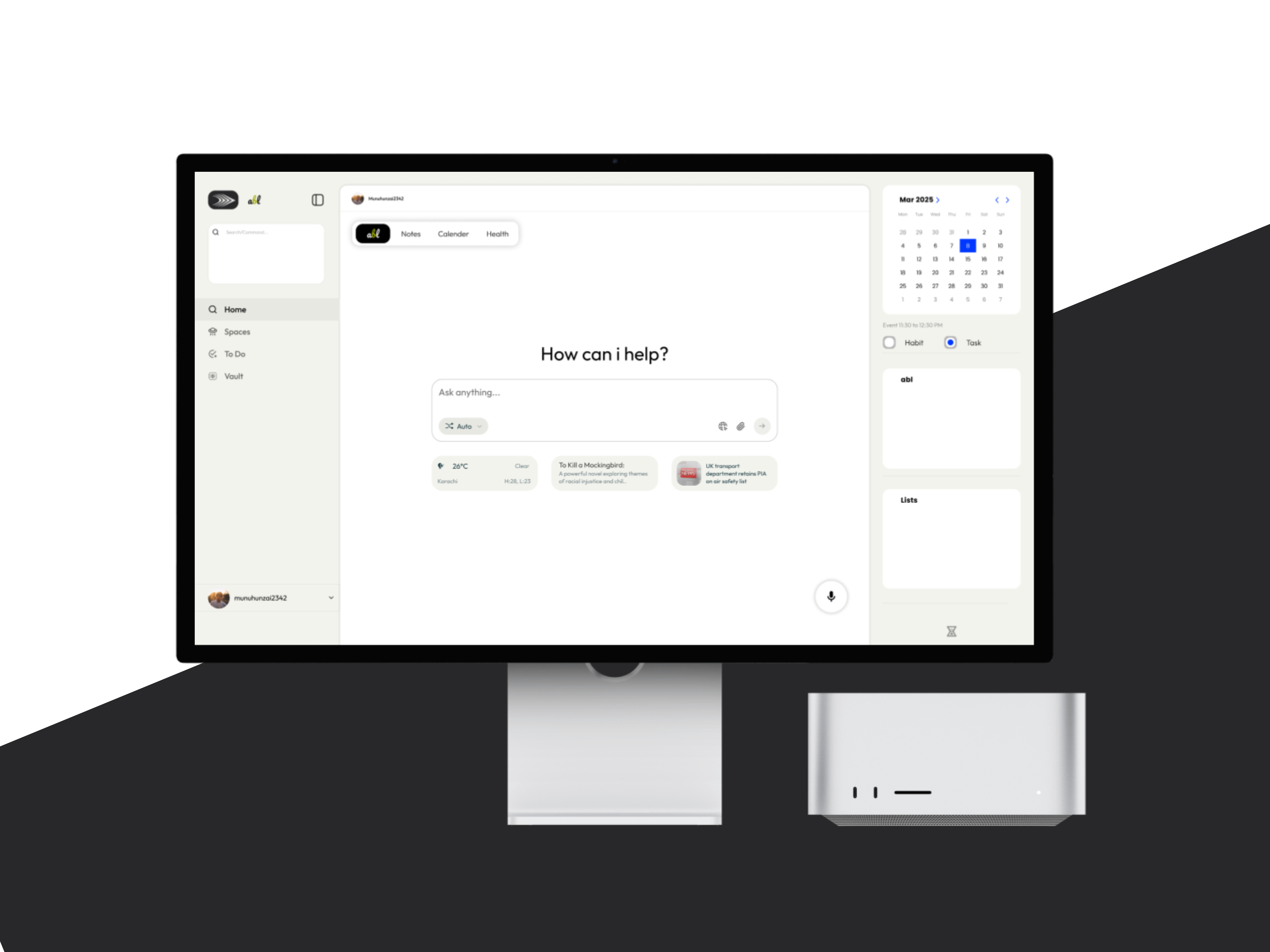
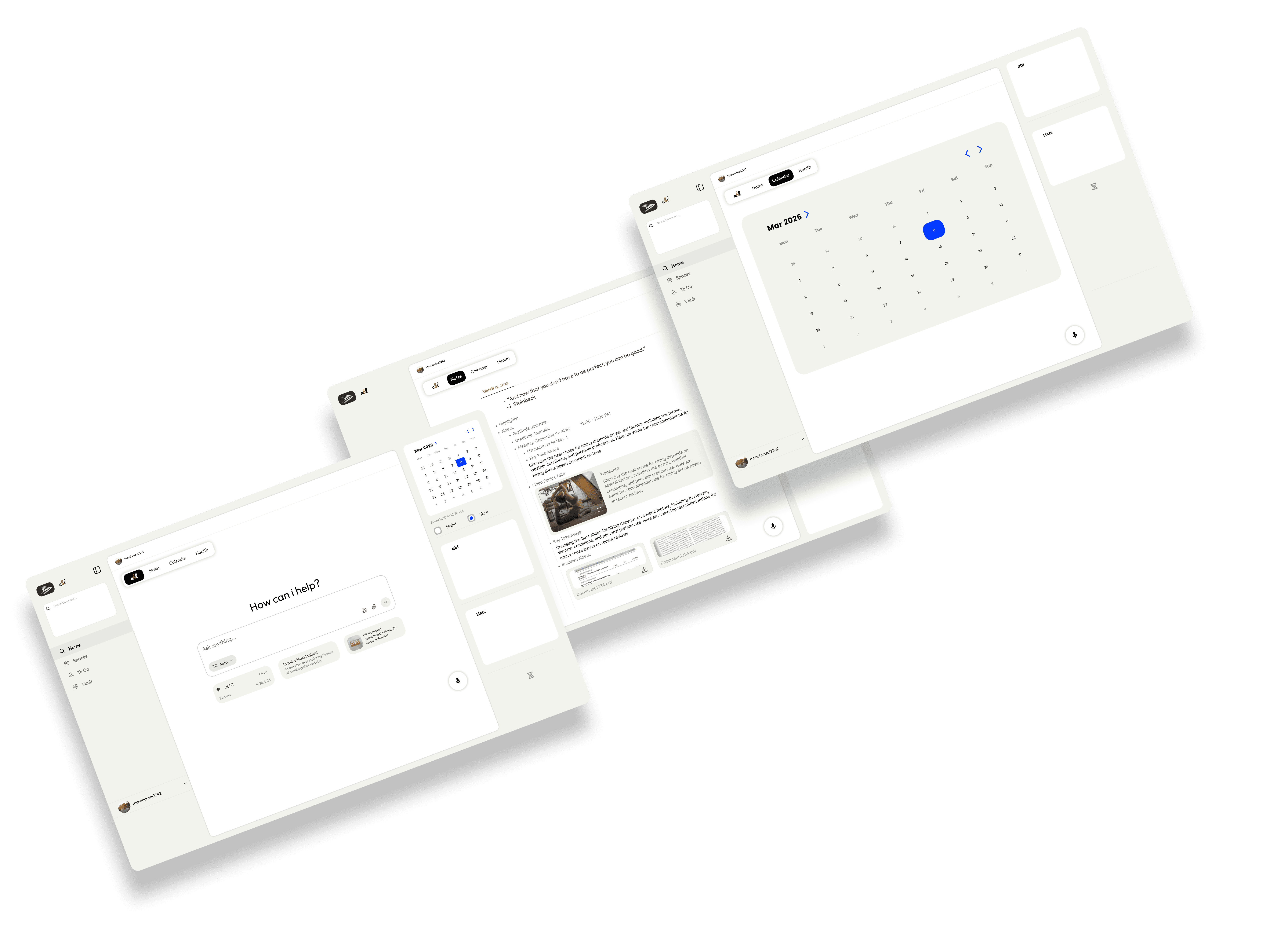
Process: The process began with researching user habits around productivity and daily scheduling apps to identify key friction points such as cluttered interfaces and lack of integration. I then mapped out user flows for creating tasks, managing notes, scheduling events, and viewing health insights. Wireframes were designed to ensure logical placement of the core sections — Home, Spaces, To-Do, Vault, and Health — creating a natural flow for daily usage. Once the structure was validated, I designed high-fidelity prototypes in Figma, featuring smooth animations, light/dark themes, and a calming color palette that encourages focus. AI interaction screens were also designed to deliver contextual note suggestions and smart reminders.
Process:
The process began with researching user habits around productivity and daily scheduling apps to identify key friction points such as cluttered interfaces and lack of integration. I then mapped out user flows for creating tasks, managing notes, scheduling events, and viewing health insights.
Wireframes were designed to ensure logical placement of the core sections — Home, Spaces, To-Do, Vault, and Health — creating a natural flow for daily usage. Once the structure was validated, I designed high-fidelity prototypes in Figma, featuring smooth animations, light/dark themes, and a calming color palette that encourages focus. AI interaction screens were also designed to deliver contextual note suggestions and smart reminders.
Struggles:
The main challenge was integrating multiple modules — productivity, AI note generation, scheduling, and health tracking — without overwhelming the user. Balancing simplicity with multifunctionality required careful prioritization of layout and visual hierarchy. Ensuring the AI felt like a natural assistant rather than a technical feature also demanded thoughtful UX writing and interaction design.